


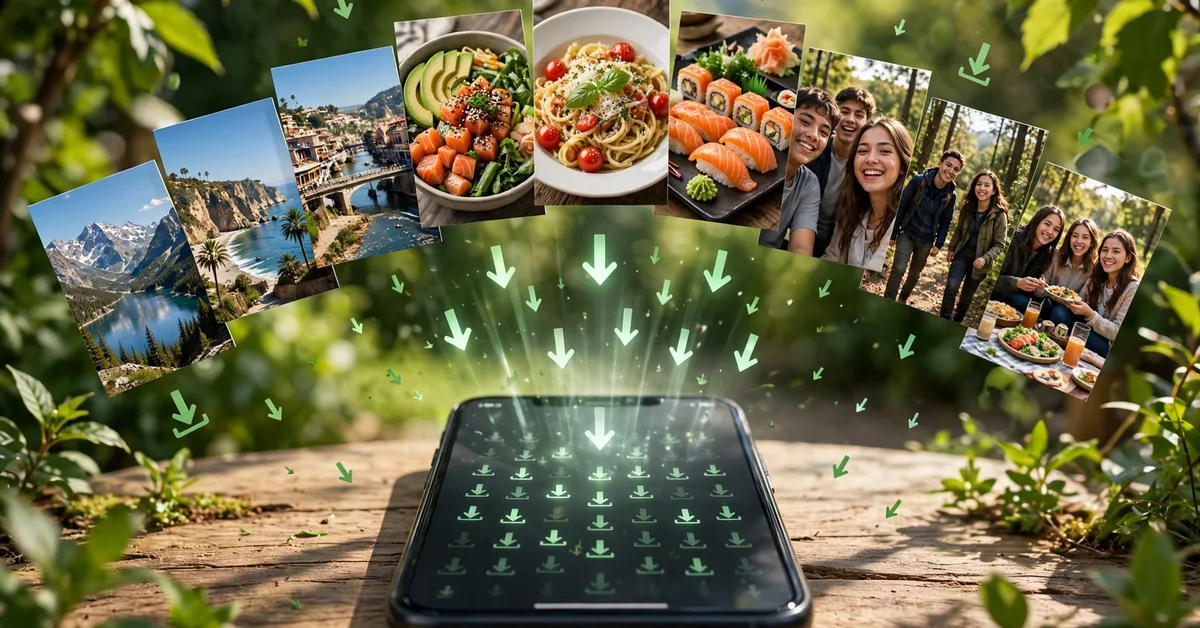
Someone posts a beautiful naat recitation, a funny clip, or an important announcement as their WhatsApp status — and 24 hours later it is gone forever. A WhatsApp status saver app solves that: it lets you save any status photo or video to your gallery in one tap. But there is also a wave of misleading claims around these apps — especially the “earn money” promise. This guide covers what status savers actually do, how to use one safely, and the honest truth about the money claims.
Download Status Saver -Video Downloader
What Is a WhatsApp Status Saver?
When you view someone’s WhatsApp status, WhatsApp quietly downloads that photo or video to a hidden folder on your phone. A status saver app simply reads that folder and copies the files to your gallery — no hacking, no login, no magic. That is the entire mechanism, and any app claiming more is overselling.
Good status saver apps add genuinely useful extras on top: a built-in gallery to organize saved statuses, batch save/delete, a video player, and direct repost or share to WhatsApp, Instagram and Facebook.
The Honest Truth: Status Savers Do NOT Pay You
Let us clear this up because several apps market themselves with “earn money” language: saving WhatsApp statuses cannot earn you money. There is no payment system inside these apps, no rewards program, no revenue share. The app developers earn from ads; you earn nothing.
Where the confusion comes from: WhatsApp itself can be a business tool — people do earn through WhatsApp by running online stores, affiliate marketing, or customer support for their businesses. But that income comes from the business, not from the saver app. If your goal is online income, start with real skills — our freelancing skills guide for 2026 is the honest starting point — not a download button.
How to Use a Status Saver App (3 Steps)
- View the status in WhatsApp first. This is the step everyone misses: the saver can only see statuses you have already opened, because WhatsApp only downloads the media when you view it.
- Open the status saver app and grant storage permission. Your recently viewed statuses appear automatically — photos, videos and GIFs.
- Tap Save (or select multiple and batch-save). The files land in your gallery, ready to view offline or share.
Privacy and Safety Rules You Should Actually Follow
Ask before reposting. Saving a friend’s personal photo is one thing; reposting it as your own status is another. In Pakistan, misusing someone’s photos can lead to serious complaints under cybercrime laws — and it is simply disrespectful. A quick “apki status wali pic save kar lun?” costs nothing.
Never give your WhatsApp login or OTP to any saver app. Legitimate ones never ask. An app requesting your login is phishing, full stop. If your account ever gets compromised, our WhatsApp unban guide covers recovery steps.
Stick to the Play Store. Status saver APKs from random websites are a classic malware vector — they ask for SMS and contact permissions a real saver never needs. Check the data-safety section before installing; the app recommended above keeps everything on-device.
Also worth knowing: no app can show you who viewed your profile — as we explained in our honest WhatsApp privacy guide, any app claiming otherwise is lying.
What Makes a Good Status Saver?
What is a WhatsApp status saver app?
It is an Android app that lets you save WhatsApp statuses — photos, videos and GIFs — to your phone’s gallery in one tap, so you can view them offline or repost them later.
Can a status saver app help me earn money?
No — saving statuses does not pay you. Some apps use “earn money” in their marketing, but a status saver has no payment system. Real online earning comes from freelancing, content creation or selling, not from saving statuses.
Is it legal to save someone’s WhatsApp status?
Technically the app just copies files already on your phone. But reposting someone’s photo or video without permission can violate their privacy and, in Pakistan, may fall under cybercrime laws if misused. Always ask before resharing personal content.
Do status saver apps need my WhatsApp login?
No — and never grant one. Legitimate status savers read the status files WhatsApp already saved on your device. Any app asking for your WhatsApp login or OTP is a scam.
Why can’t the app see some statuses?
Status saver apps can only show statuses you have already viewed in WhatsApp, because WhatsApp downloads the media to your phone only when you open it. View the status first, then open the saver app.
Are status saver apps safe?
The reputable ones are lightweight and keep files on your device. Check the Play Store data-safety section, avoid apps asking for contacts or SMS access, and never download status savers from third-party APK sites.
- One-tap save for photos, videos and GIFs — the core job.
- Batch operations: save or delete multiple statuses at once.
- Built-in gallery and player so you do not juggle two apps.
- Lightweight and ad-light: small download size, minimal permissions, files stay on your device.
- Recent updates: WhatsApp changes its storage paths periodically; abandoned apps silently stop working.
The Bottom Line
A WhatsApp status saver is a simple, legitimate utility: view a status, tap save, keep it forever. It will not make you rich, it cannot spy on profile viewers, and it should never ask for your login. Use a maintained Play Store app, respect other people’s content, and it does exactly one job — well.
