

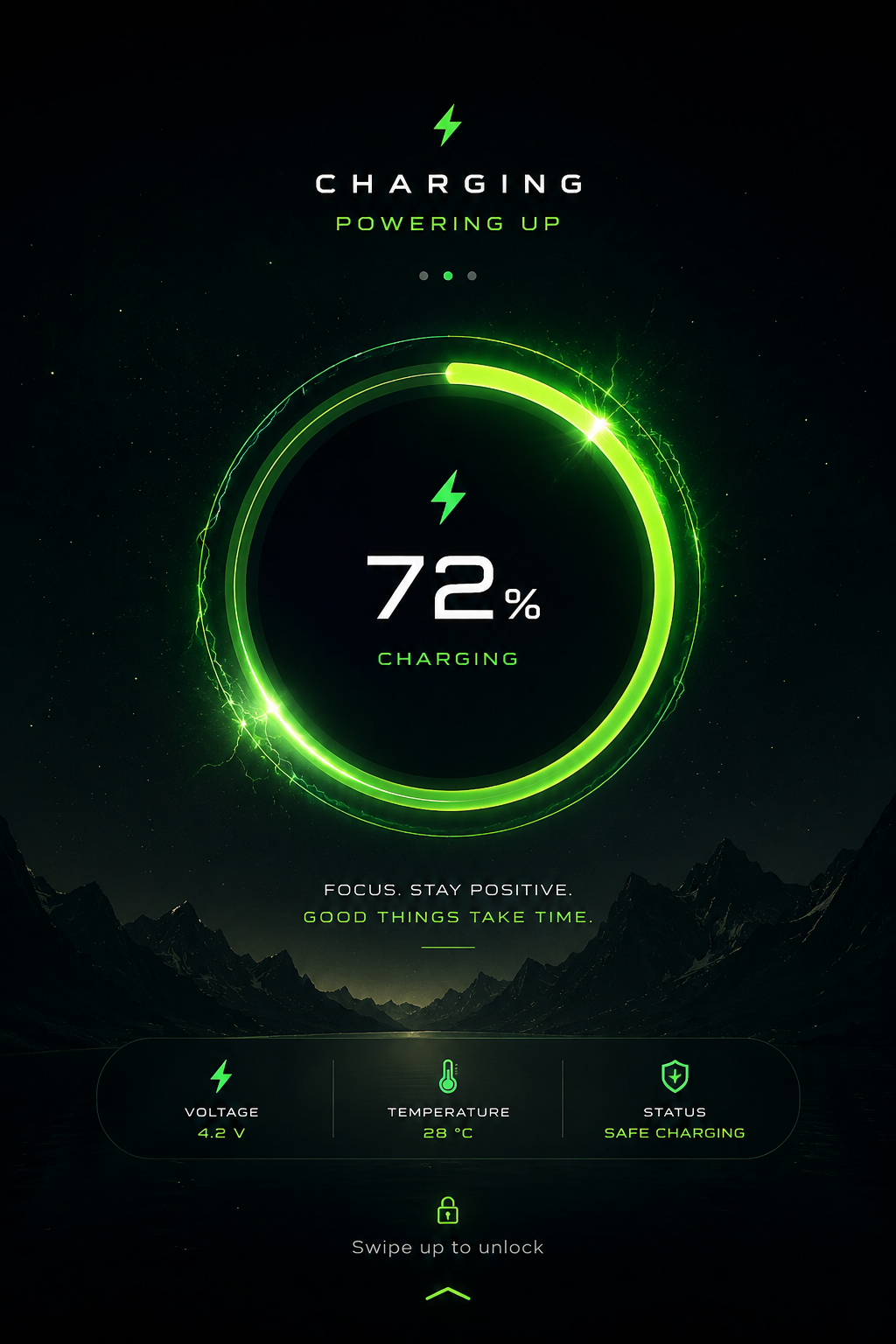
How to Set a Custom Charging Photo or Animation on Your Android Phone
Plug your phone in and you probably get the same thing every time, a plain battery percentage, maybe a basic animation if your phone brand bothers with one. It’s functional, but there’s no reason it has to stay boring. A growing number of apps let you swap that default charging screen for your own photo, a slideshow, or a custom animation, so plugging in your phone becomes a small, genuinely pleasant moment instead of just a technical necessity.
Here’s how it actually works, which apps do it well, and what to watch out for.
How Custom Charging Screens Actually Work
These apps run a lightweight background service that detects the moment your phone connects to a charger, then displays your chosen image, animation, or slideshow over (or instead of) the default charging screen. Some apps overlay the charging screen directly on your lock screen, others create a dedicated full-screen display that appears specifically while charging, dismissing itself once you unplug or unlock the phone.
Importantly, this is purely a visual layer. It doesn’t interact with your phone’s actual charging circuitry or battery management, so a well-built charging photo app has no meaningful effect on charging speed or battery health, contrary to what a few overly cautious corners of the internet sometimes suggest.
Best Apps for Custom Charging Screens
Charging Show / Charging Animation apps
Several apps under names like “Charging Show,” “Charging Animation,” or “Battery Charging Animation” are built specifically around this feature, letting you choose from built-in animated effects (fireworks, water ripples, neon effects) or upload your own photo to display during charging. These are generally the fastest way to get started if you just want something visually fun without much setup.
CM Locker and similar lock screen customization apps
Broader lock screen customization apps often bundle charging screen personalization alongside other features like themed lock screens and app locking. Worth considering if you want one app handling multiple customization features rather than installing something narrowly focused on just the charging screen.
KWGT / KLWP (for more advanced customization)
If you want more control than a template-based app offers, widget and lock screen builder apps like KWGT and KLWP let you build a fully custom charging display, including your own photo, a live battery percentage overlay, a clock, and custom animations, combined however you want. This takes more setup effort than a simple charging photo app, but gives you a genuinely unique result rather than a templated look shared with everyone else using the same app.
Built-in options on some phone brands
A few manufacturers, including some Samsung and Xiaomi models, include basic charging animation customization directly in their system settings under battery or lock screen options, worth checking before installing a third-party app, since it avoids adding an extra background app if your phone already supports something similar natively.
Setting It Up: General Steps
The exact process varies slightly between apps, but the general flow looks like this:
- Install a charging screen customization app from the Play Store.
- Open the app and select “Set Charging Photo” or a similarly labeled option.
- Choose a photo from your gallery, or pick from the app’s built-in animation library.
- Grant the permissions the app requests, usually storage access for your photos, and in some cases, display-over-other-apps permission, which is required for the charging screen to actually appear on top of your lock screen.
- Test it by plugging in your charger and confirming the custom screen appears as expected.
- Adjust settings like animation speed, battery percentage display, or whether the photo changes each time you charge, if the app supports it.
Is It Actually Safe for Your Phone?
This is a fair question, and worth addressing directly. A properly built charging screen app is lightweight, it’s just displaying an image or light animation on a screen that’s already on and active during charging anyway. This doesn’t meaningfully add to power draw or heat generation in any way that would affect battery health.
Where it can become a problem is with poorly optimized apps specifically, ones running heavy, high-frame-rate animations constantly, or bundling in excessive background processes and ad networks that keep running even when you’re not actively using the app. A few practical safeguards:
Stick to well-reviewed apps with a reasonable download count and recent updates, rather than obscure apps with few ratings, since quality varies a lot in this specific app category.
Check what permissions it’s actually requesting. A charging photo app legitimately needs storage access and display-over-apps permission. If it’s also requesting contacts, SMS, or call log access with no clear reason, that’s worth being cautious about.
Keep brightness reasonable during charging if you’re leaving the custom screen active for extended periods, since screen brightness has a far bigger impact on power draw than the app itself does.
Avoid apps that seem to run constantly in the background even when you’re not charging, checking this under Settings > Apps > Battery Usage if you notice unusual battery drain after installing one.
A Nice Small Touch
There’s something genuinely pleasant about this kind of small customization, plugging in your phone at the end of a long day and seeing a favorite photo instead of a generic battery icon, or having your desk setup feel a bit more personal if your phone sits on a charging stand while you work.
It’s a minor feature in the grand scheme of what your phone does, but it’s exactly the kind of small, low-effort personalization that makes a device feel like it’s actually yours rather than identical to everyone else’s.
