


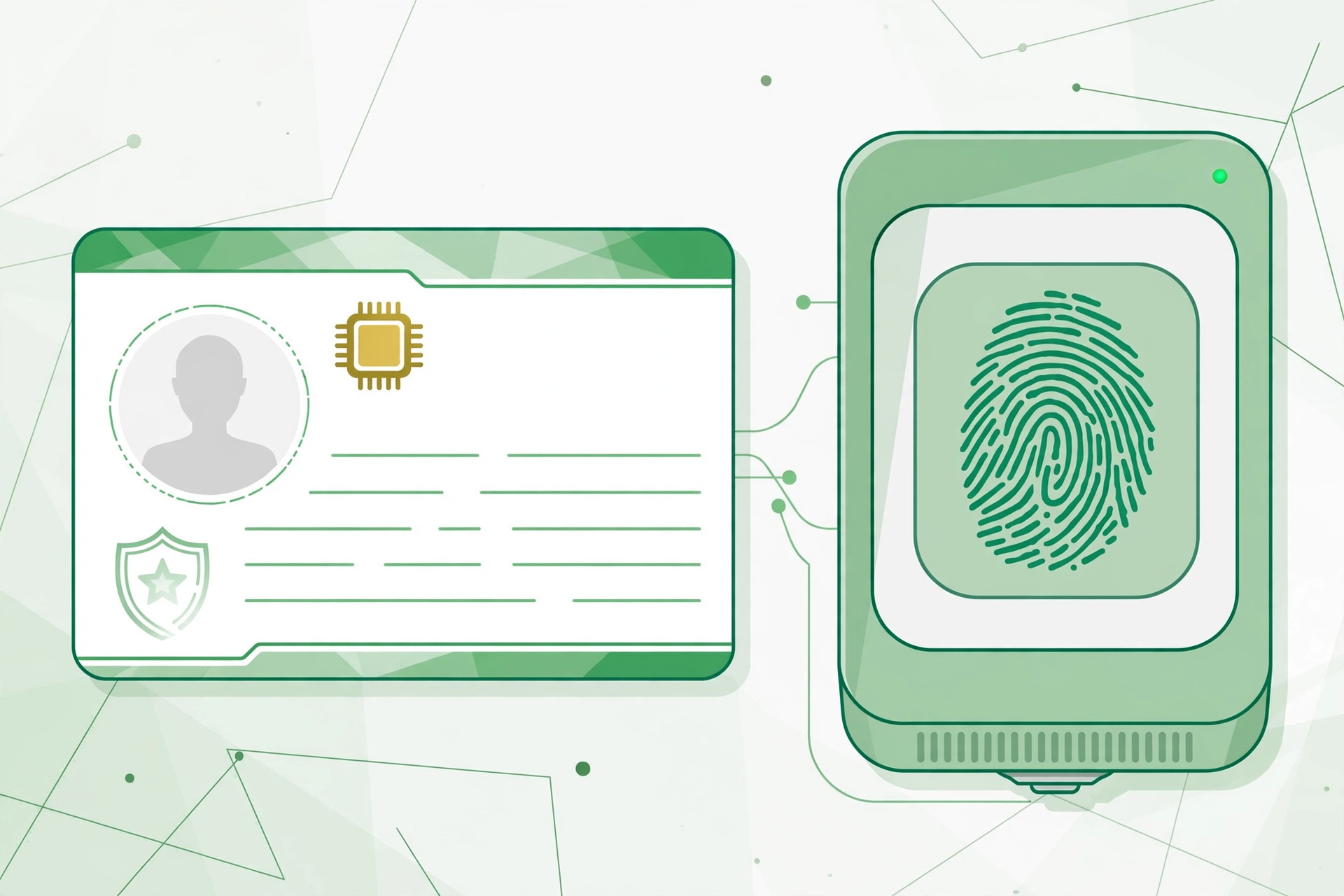
Your CNIC photo appears on Pakistan’s most important identity document — used for banking, SIM registration, passports, and tax filing. If your appearance has changed or your current photo is unclear, updating it is worth doing right. This complete 2026 guide explains how to change your CNIC photo in Pakistan: the NADRA process, fees, and tips for getting approved without delays.
Why You Might Need a New CNIC Photo
- Significant appearance change (aging, beard, hairstyle)
- Blurry or poor-quality photo on your existing card
- Upgrading to a Smart CNIC (SNIC)
- Lost or damaged card requiring reissuance
- Professional needs — banking, visa, or immigration checks
NADRA CNIC Photo Change Process (Step-by-Step)
Photo changes require a visit to a NADRA Registration Center (NRC) — this cannot be done fully online because of biometric verification and live photo capture.
- Visit a NADRA center: Go early in the morning to avoid long queues, or choose an executive center for faster service.
- Get a token: Take your queue token and wait for your turn.
- Biometric verification: Your fingerprints are matched against NADRA’s database.
- Photo capture: Staff take your new digital photo on the spot — dress well, because this photo stays on your card for years.
- Review your data: Confirm your name, address, and other details on screen.
- Pay the fee: Choose normal, urgent, or executive processing.
- Keep your tracking slip: Use the tracking number to follow your application status online.
CNIC Photo Change Fees in Pakistan (2026)
- Normal: Lowest fee — delivery in roughly 2–3 weeks.
- Urgent: Medium fee — delivery in about 7–10 days.
- Executive: Highest fee — delivery within 2–5 days, ideal for visa or banking deadlines.
Fees are revised periodically, so confirm the current rates at your NADRA center before paying.
Can You Change Your CNIC Photo Online?
Not currently. While NADRA’s Pak Identity portal handles renewals and some updates, a photo change needs in-person biometric verification and live capture. You can, however, track your application status online with your tracking ID.
Tips for a Perfect CNIC Photo
- Wear simple, formal clothing in a solid color.
- Keep a neutral expression — no smiling or frowning.
- Remove sunglasses, hats, and heavy accessories.
- Make sure your full face is visible and well-lit.
- Avoid heavy makeup that alters your appearance.
Documents to Carry
- Your existing CNIC (original)
- A photocopy of your CNIC
- Any supporting document if your appearance change needs explanation (rarely required)
Can I change my CNIC photo online in Pakistan?
No. NADRA requires an in-person visit for photo changes due to biometric verification and live photo capture.
How much does a CNIC photo change cost?
It depends on processing speed — normal, urgent, and executive tiers. Confirm current fees at your NADRA center.
How long does it take to get the new CNIC?
Normal takes about 2–3 weeks, urgent 7–10 days, and executive 2–5 days.
What should I wear for the CNIC photo?
Simple formal clothing, neutral expression, no sunglasses, hats, or heavy accessories.

2 Comments
Pingback: BISP 8171 Eligibility Check 2026: PMT Score Guide Pakistan
Pingback: PLRA Land Record 2026: Check Fard Online in Punjab