

● Android · APK library & guides
APKZS — mod apps, games & AI tools for Android, each with its install guide.
APKZS is a free Android app library. Listings for the latest mod apps, games and AI tools are published with regular updates and step-by-step installation guides, including resources like apk hijau, so you know what you are installing before you download it.
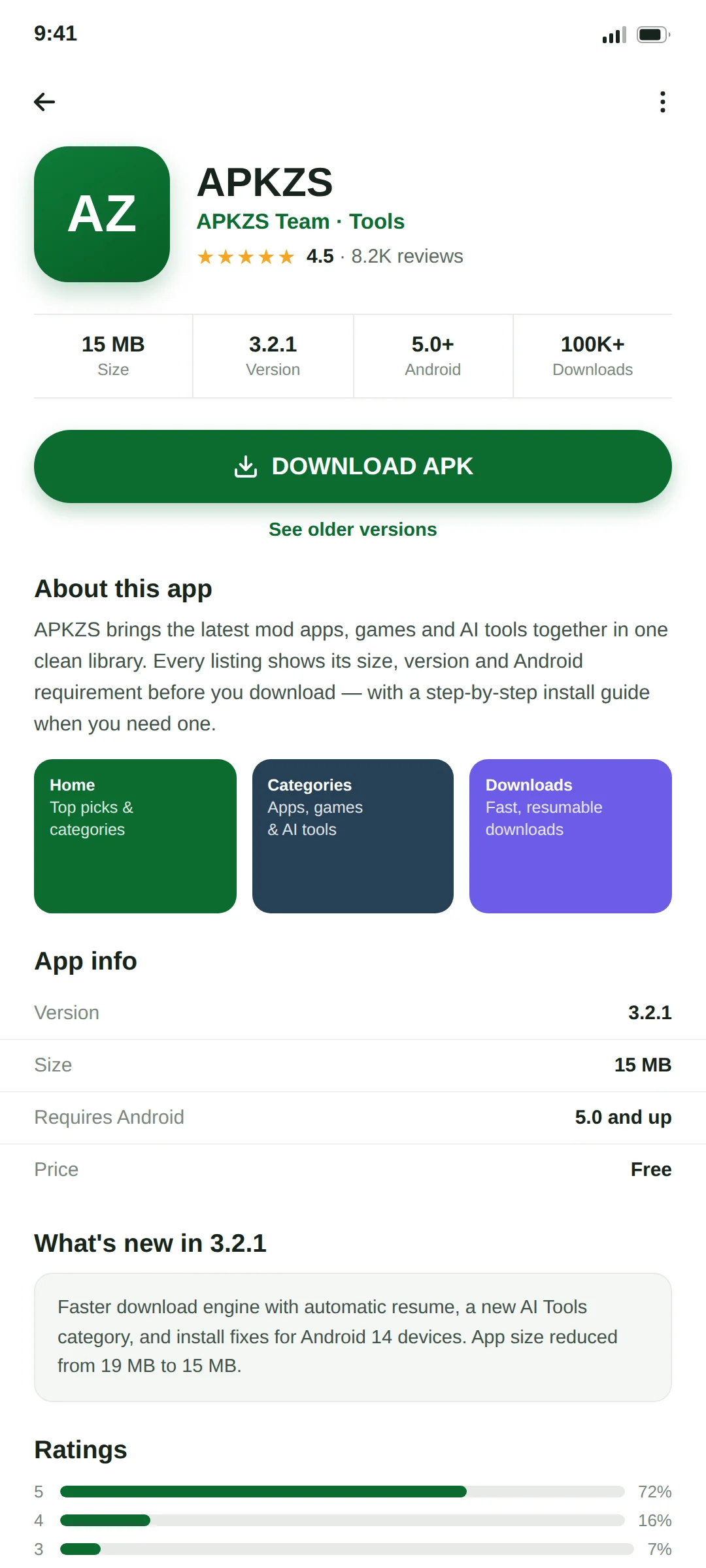
APKZS v3.2.1 · 15 MB · Free for Android — no account needed to download.
Overview
What APKZS is, in shortAPKZS started as a 77KK simple 666h idea: M666 most ApkVala APK download ApkJit pages 777dx give WC777 you a file and Cb777 nothing y888 else 1ee no version pkr98 history, no requirements, no help when the install fails. APKZS publishes the guide alongside the app. Each major listing explains what the app does, what it needs, and how to install it, in plain English.
The library focuses on what its readers actually search for: mod apps and games, AI photo and video tools, and everyday how-to answers — from checking a BISP payment to sharing mobile data between networks. New guides are added regularly, and older ones are revised when an app changes Game Changer 5 Cricket – Your Ultimate Cricket Gaming Experience Experience the excitement of virtual cricket with game changer 5 a cricket gaming platform for fans who enjoy realistic gameplay and competitive matches. Explore exciting cricket features, improve your batting and bowling strategies, and enjoy an engaging gaming experience. Whether you’re a beginner or an experienced cricket enthusiast, Game Changer 5 offers an entertaining way to enjoy your passion for cricket.
Reading everything on APKZS is free Instagram app and needs no account. The current release — version 3.2.1, 15 MB — is available from the A555 game download buttons on this page.
- Website
- apkzs.org
- Platform
- Android
- Content
- Mod apps · Games · AI tools
- Categories
- App Reviews, How-To Guides,
Online Earning, Tech News - Price
- Free
- App version
- 3.2.1
- App file size
- 15 MB
Screenshots
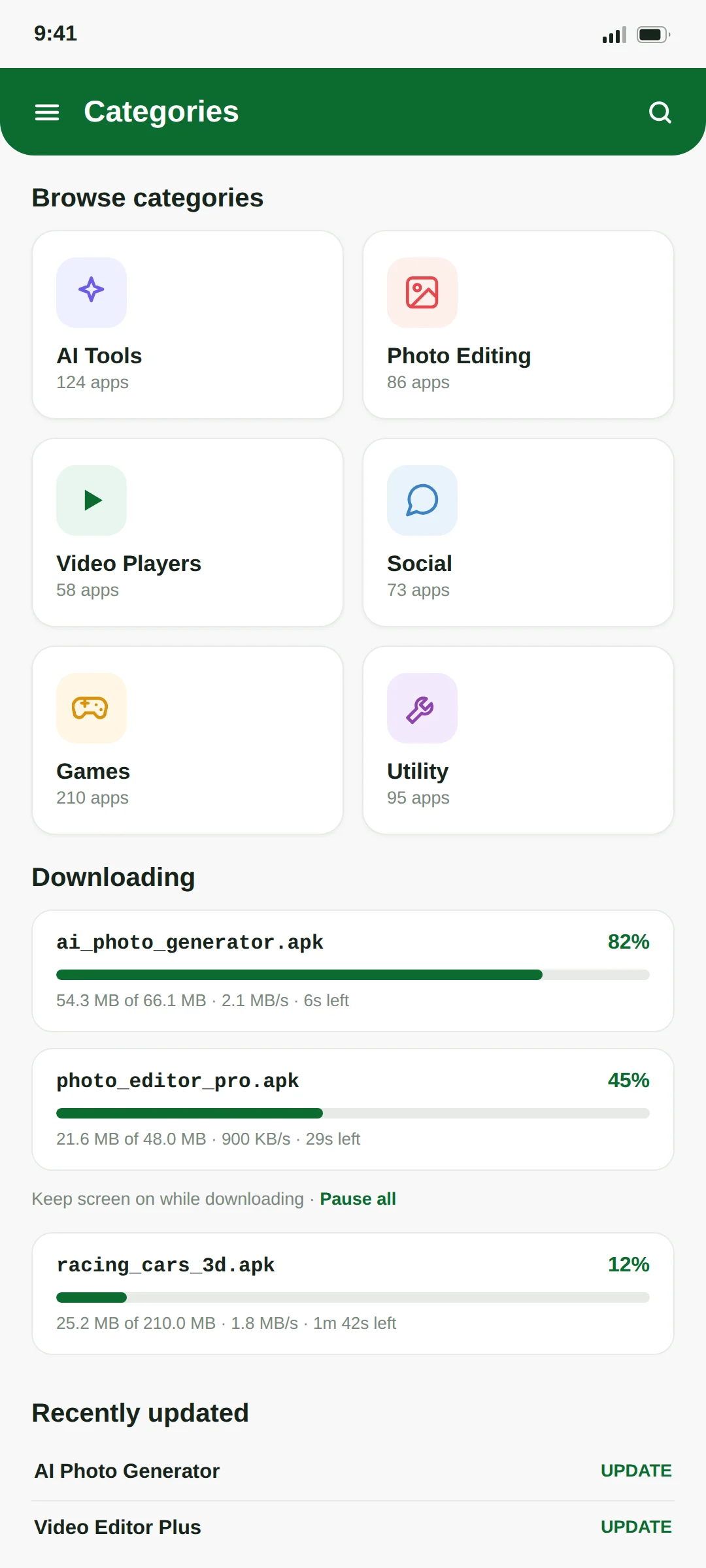
Inside APKZS v3.2.1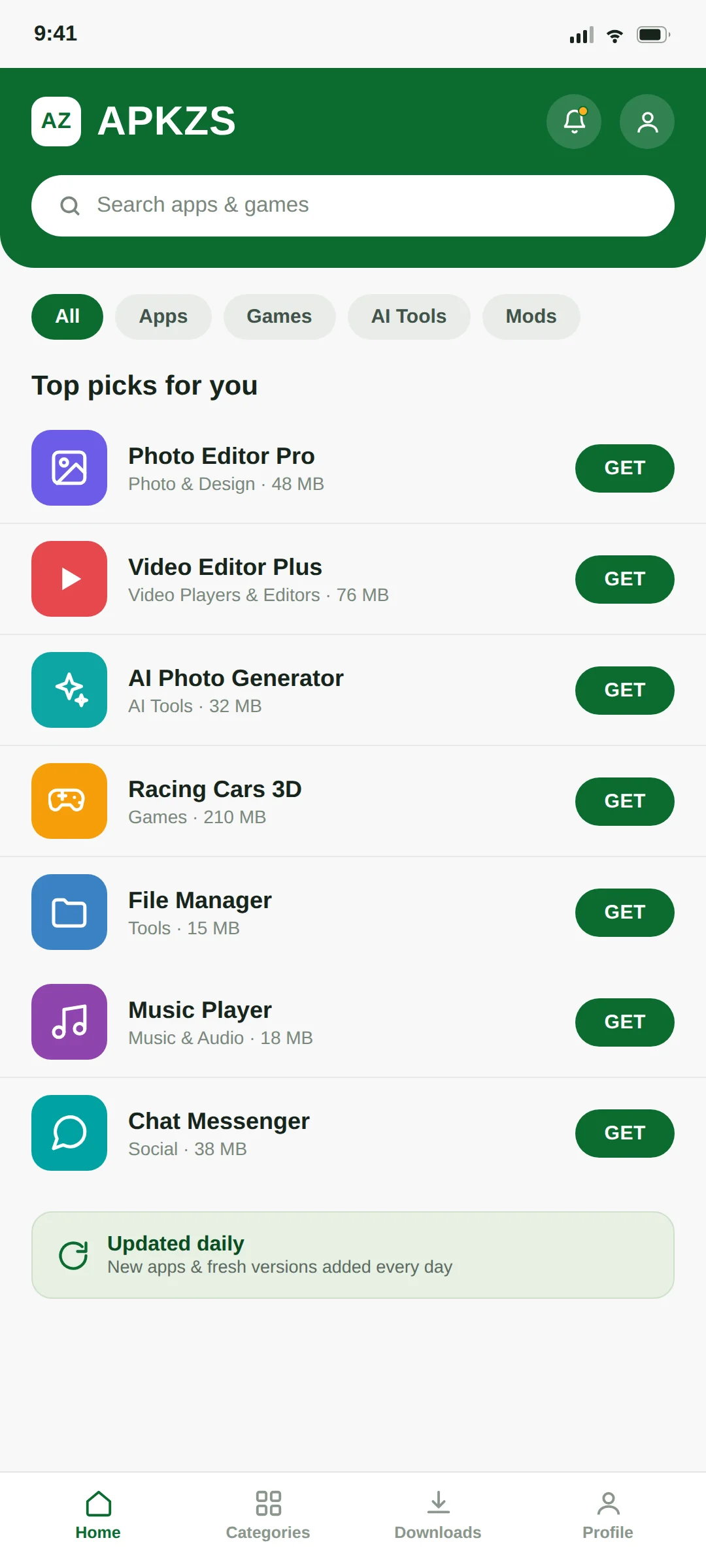
What you get
Four things, done consistentlyOne library for apps, games & AI tools
Mod apps, trending games and AI photo/video tools are kept in a single catalogue instead of being scattered across unrelated download sites.
A guide with the listing
Major listings come with step-by-step installation instructions — including the Android settings you need to change, and what to do when an install is blocked.
Categories that match real questions
App Reviews, How-To Guides, Online Earning and Tech News — including practical Pakistani topics like BISP payment checks and network data-share codes.
Free to read, no account
Every listing and guide on apkzs.org can be read without signing up, subscribing or installing anything first.
The honest picture
Strengths and limits, stated plainlyWhat works well
- Guides and listings are free to read, with no sign-up wall
- Install steps are written for first-time users, not experts
- Content is updated regularly, and topics follow what readers search for
- One place for mod apps, games and AI tools instead of many sites
What to know first
- APKZS is not on the Google Play Store, so there are no automatic updates — new versions are downloaded from this page
- Any APK installed outside the Play Store needs a manual install, including allowing "unknown sources" once
- Mod apps can stop working when the original app releases an update
- Not every guide fits every phone — Android versions and menus differ by brand
Installing an APK, step by step
The method used in every APKZS guideDownload the APK file
Use the download link in the app's APKZS guide. Note the file name — for example app-name.apk — and wait for the download to finish before opening it.
Allow installs from your browser
When you open the file, Android will ask for permission. Tap Settings on the prompt and turn on Allow from this source. On older phones this is under Settings → Security → Unknown sources. You only do this once per browser.
Review, then tap Install
Android shows the app's name and the permissions it requests before anything is installed. Read them — if an app asks for permissions that make no sense for what it does, cancel and check the guide again.
Open the app
When installation finishes, tap Open. If Android Play Protect shows a warning on newer phones (Android 14/15), it appears for apps installed outside the Play Store in general — use More details → Install anyway only for files you downloaded from a page you trust.
Latest guides
Published on apkzs.orgQuestions
Answered without the sales talkCan I download the APKZS app from this page?
Is APKZS free to use?
What will I find on APKZS?
Why does Android ask about "unknown sources"?
Is APKZS on the Google Play Store?
● Download · APKZS v3.2.1 · Latest version
Download APKZS for Android
Get the latest APKZS app — version 3.2.1, 15 MB, free. One tap starts the download; the install guide above walks you through the rest in under two minutes.
Also on APKZS: read the latest guides or browse — App Reviews, How-To Guides, Online Earning, Tech News.
Disclaimer: APKZS (apkzs.org) is an independent website and is not affiliated with Google, Android, or any app developer unless a listing states otherwise. App names and trademarks belong to their respective owners; listings and guides are published for information and evaluation. If you own the rights to an app covered here and would like a listing reviewed, please use the contact route on apkzs.org.