

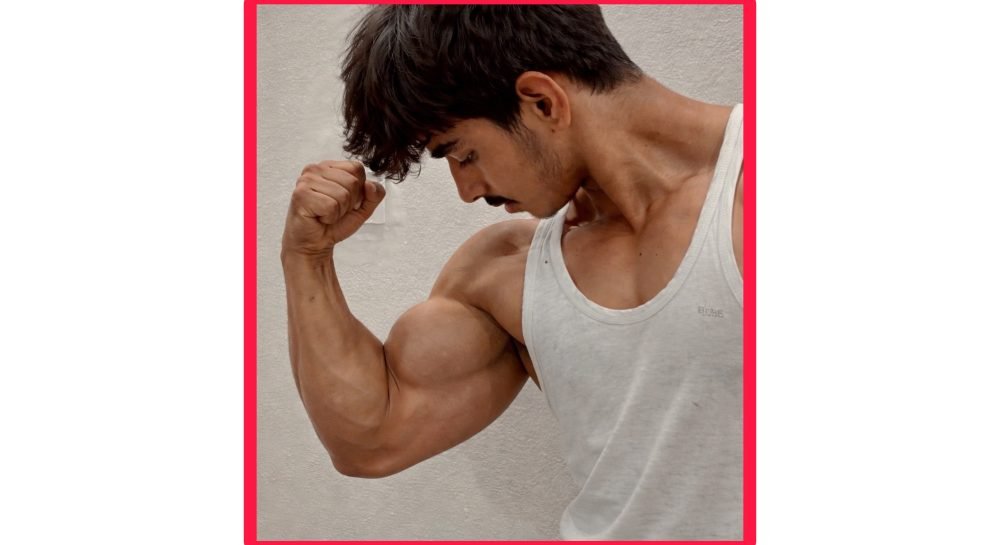
Best Body Editing Apps for Fitness and Gym Photos
Anyone posting gym progress or fitness content knows the gap between how a photo actually looks straight off your phone camera and how it looks on a fitness page you scroll past on Instagram. A lot of that gap isn’t just about actual physique, it’s lighting, angle, and a bit of editing polish. This has become common enough in fitness content that there’s now a whole category of apps built specifically around enhancing muscle definition, correcting harsh gym lighting, and generally making a training photo look closer to how it felt in the moment rather than how a phone camera flattened it.
Here’s what these apps actually do, which ones are worth using, and a quick word on keeping the results honest.
What These Apps Actually Do
Body editing apps in this category generally offer a mix of the following, using AI to detect body shape and muscle groups automatically rather than requiring manual selection like older editing tools did:
Muscle definition enhancement — subtly increasing contrast and shadow around muscle groups (arms, shoulders, abs) to make definition more visible, similar to what proper gym lighting does naturally.
Lighting correction — most gym photos are taken under harsh, uneven overhead lighting that flattens muscle definition and creates unflattering shadows. These apps correct that digitally.
Body proportion adjustment — tools for waist, shoulder width, and posture correction, used carefully to avoid looking obviously edited.
Skin tone and texture smoothing — evening out skin tone under gym lighting, which tends to look patchy or overly warm/cool depending on the venue’s lighting setup.
Apps Worth Trying
Facetune 2
Originally built around facial retouching, Facetune 2 has expanded into full-body editing tools, including muscle definition and body reshaping features. It’s one of the more polished, widely used apps in this space, with a genuinely large user base among fitness content creators specifically because the results tend to look more natural than some competitors when used at moderate settings.
YouCam Perfect
Similar category to Facetune, with a dedicated “Body” editing section offering waist slimming, muscle enhancement, and posture tools. It also includes general photo editing features like filters and lighting adjustment, useful if you want one app handling both the body editing and the general photo polish in a single pass.
Remini
Better known for photo enhancement and upscaling generally, but its AI-powered enhancement does a solid job improving overall photo clarity and lighting in gym environments specifically, useful as a first pass before applying more targeted body editing in a dedicated app.
Lightroom Mobile
Not built for body editing specifically, but worth having alongside a dedicated body app for adjusting overall lighting, contrast, and color grading, which genuinely does a lot of the “looks more professional” work without touching body shape at all. A lot of the difference between an amateur-looking gym photo and a polished one comes down to lighting and color correction rather than body editing specifically.
How to Get Results That Don’t Look Obviously Edited
The line between “enhanced” and “obviously fake” is thinner than people think, and crossing it tends to hurt credibility rather than help it, especially in fitness content where followers often know what realistic muscle definition actually looks like.
Start with better lighting and angles before editing at all. A well-lit photo taken from a slightly higher angle, with the muscle group you’re highlighting actually flexed and positioned toward the light source, needs far less editing to look good than a poorly lit, flat-angle photo you’re trying to fix entirely in post.
Use subtle settings rather than maxing out every slider. Most of these apps let you adjust intensity. Pushing muscle enhancement or waist adjustment to maximum almost always looks unnatural, warped proportions, unnatural shadow lines, background elements bending around the edited area. A lighter touch consistently looks more convincing.
Check the background for warping. Body reshaping tools sometimes distort what’s behind the subject, a bent doorframe, a curved gym mirror edge, a warped piece of equipment. This is one of the most common giveaways that a photo’s been edited, so always zoom in and check the edges after adjusting body shape.
Compare before and after side by side before posting. It’s easy to lose perspective while actively editing and only notice how far you’ve pushed something once you compare it to the unedited original.
A Word on Being Honest With Your Audience
If you’re building a fitness page, coaching business, or personal brand around your physique, there’s a real credibility cost to editing photos heavily and presenting the result as an unedited representation of your actual progress. Followers, especially in fitness spaces, tend to notice inconsistencies over time, a bicep that looks different size photo to photo, lighting that doesn’t quite make physical sense. Being upfront that a photo’s had lighting or minor enhancement applied, the same way photographers have always used flattering light and angles, tends to hold up a lot better long-term than presenting heavily reshaped images as a raw, accurate representation of where your training actually has you.
This matters even more if you’re using these photos to sell coaching, supplements, or a fitness program, since the whole value proposition rests on people trusting that your results are genuinely representative of what’s achievable.
Free vs. Premium Versions
Free tiers across most of these apps typically include a watermark, limit how many edits you can do per day, or lock the strongest enhancement settings behind a paywall. If you’re editing content regularly for a fitness page or business, a premium subscription removes these limits and usually unlocks higher-resolution export, worth it if this is a consistent part of your content routine rather than an occasional edit.
The Bottom Line
These apps genuinely do a good job closing the gap between how gym lighting flattens a photo and how a well-lit, well-angled shot actually looks. Used with a light touch, and stacked with better lighting and angles from the start rather than relying on editing to do all the work, they can noticeably improve how your fitness content looks without straying into territory that reads as fake the moment someone looks closely.
