


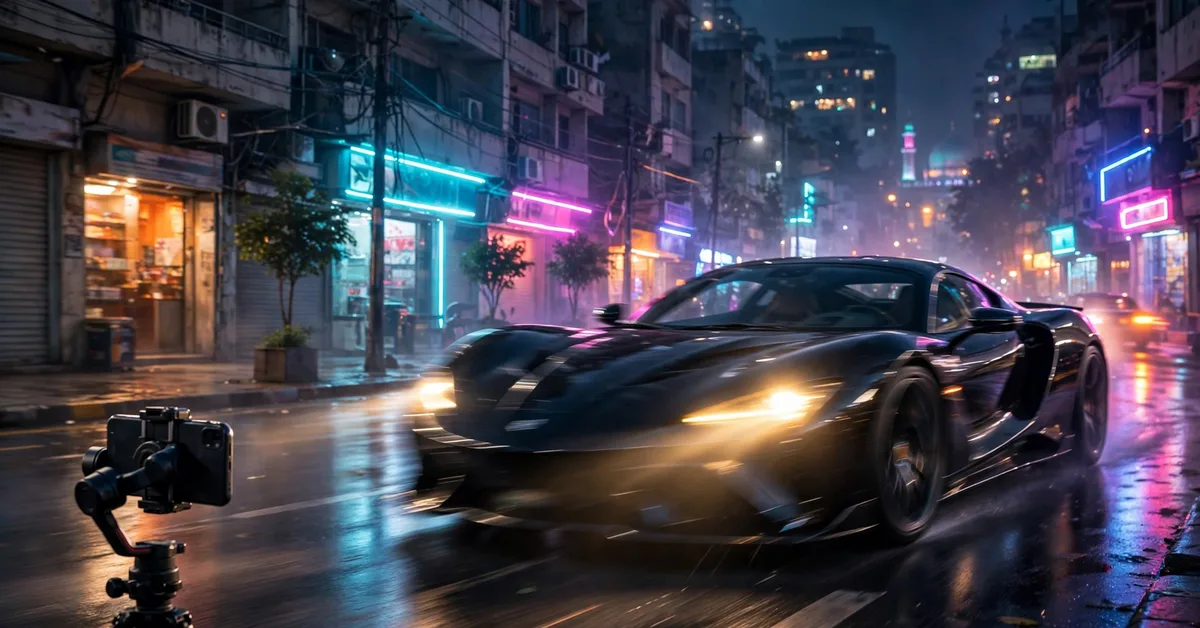
You have seen them on your For You page: a guy who clearly owns a Honda City, sitting behind the wheel of what looks like a Lamborghini, cinematic light sweeping across the dashboard. The comments are split between “Mashallah” and “yeh to AI hai.” Welcome to the car effect TikTok trend — and yes, most of it is AI. Here is exactly how creators make these videos from a single photo, plus how to make yours look real instead of ridiculous.
What Is the Car Effect Trend?
The car effect is not one filter — it is a whole editing style. Creators take a normal photo (or short clip) and transform it into a cinematic luxury-car scene using AI image-to-video tools, motion effects and sound design. Common versions on Pakistani TikTok right now:
- The driver’s seat illusion: your photo, placed inside a luxury sports car interior, looking like you are driving.
- The walk-up reveal: slow-motion walk toward a supercar, usually at golden hour, with bass-heavy audio.
- Photo-to-video transitions: a still car photo that “comes alive” — headlights flick on, camera orbits, background blurs into motion.
Why does it work? Cars are status symbols everywhere, but especially in Pakistan, where a Land Cruiser in a video can triple your views. And automotive content sits in one of the highest-paying ad niches (car financing, insurance, accessories), which is why serious creators chase the format.
How to Make a Car Effect Video From a Photo: Step by Step
Step 1: Pick the right starting photo
Use a clear, front-facing photo with good light on your face. Busy backgrounds are fine — the AI will replace them. Avoid sunglasses in the source photo; AI struggles to keep faces consistent when eyes are hidden.
Step 2: Generate the scene with an AI video tool
Upload your photo to an AI image-to-video generator (CapCut’s AI effects, or any free AI video tool you trust). The secret is the prompt. Do not write “me in a car.” Describe it like a film director:
“Ultra-realistic cinematic photo of a young man sitting in the driver’s seat of a luxury black sports car, premium leather interior, left hand on the steering wheel, natural daylight through the windshield, shallow depth of field, city street visible outside with slight motion blur, photorealistic, 4K quality.”
Key prompt ingredients: camera angle, lighting, interior details, background, and realism words (photorealistic, natural skin texture, no cartoon look). If the face drifts, regenerate — never try to fix a warped face with filters.
Step 3: Edit it like a movie in CapCut
The AI clip is only 50% of the effect. The other half is editing:
- Slow it down: 0.7x–0.8x speed gives instant cinema feel.
- Add motion blur on transitions between your real footage and the AI clip.
- Sound design: layer a deep engine rev under the first second, then drop in the trending audio. Sound sells realism more than visuals do.
- Color grade: push contrast slightly, warm the highlights. Phone footage looks flat next to AI footage until you grade them together.
If you are new to this style of editing, our guide to trending reels and template apps covers the CapCut workflow these videos depend on.
Step 4: Post it like a strategist
Caption with a hook, not a description: “POV: 5 saal ki mehnat” beats “car effect video.” Post between 7–10 PM PKT when Pakistani TikTok peaks, and pin your best-performing version to your profile. Use 3–5 hashtags max (#careffect #tiktokpakistan #aiart), not 30.
5 Mistakes That Make Car Effect Videos Look Fake
- Hands. AI still mangles fingers on steering wheels. If the hands look wrong, crop tighter or pick a prompt without visible hands.
- Lighting mismatch. Your face lit by bedroom tube-light inside a “sunset” car scene breaks the illusion instantly. Match the prompt’s lighting to your photo.
- Over-smoothing. Cranking the beauty filter to 100 makes skin look plastic next to a realistic car interior. Keep texture.
- Wrong aspect ratio. Generate and edit in 9:16 vertical from the start. Cropping a landscape AI clip down destroys the composition.
- Claiming it is real. Posting an AI Lamborghini as “my new ride” might get laughs, but if you are selling cars, courses or anything else, it becomes fraud. A quick “AI concept” in the caption keeps you honest and the comments friendly.
Can You Earn From Car Effect Content?
Short answer: yes, and better than most trends. Automotive content attracts premium advertisers, brand deals from car accessory shops are common in Pakistan, and the format works on YouTube Shorts and Instagram Reels too — tripling your surface area. The creators making real money are not the ones with one viral video; they are the ones who turned the effect into a series (“AI dream garage, episode 12”). Consistency beats one lucky render.
Pair this with solid editing fundamentals — our honest guide to video enhancers explains what AI upscaling can and cannot do for your clips, and the Dhurandar walk tutorial shows the same cinematic approach applied to a different viral format.
The Bottom Line
The car effect is 20% AI generation and 80% taste — prompt craft, sound design and honest posting. Anyone with a phone can generate the clip; the creators who stand out are the ones who edit it like filmmakers and post it like strategists. Generate your first one tonight, and remember: the algorithm rewards the tenth video, not the first.
What is the car effect on TikTok?
The car effect is a viral TikTok trend where creators use AI video tools and cinematic editing to make themselves look like they are driving or posing with luxury cars — often generated from a single photo using AI image-to-video prompts.
Which app makes the car effect videos?
Most creators use CapCut’s AI video effects or AI image generators with detailed prompts (luxury car interior, cinematic lighting, realistic reflections). Free AI video tools and templates inside CapCut work without any paid app.
How do I make a car effect video from a photo?
Upload your photo to an AI image-to-video tool, paste a detailed prompt describing the luxury car scene, generate the clip, then polish it in CapCut: add engine sound, slow-mo, motion blur and trending audio. Full steps are in the guide above.
Can I use these videos to earn money?
Yes — automotive content sits in one of the highest-CPC niches on TikTok and YouTube (car insurance, financing, accessories advertisers pay well). But label AI-generated scenes honestly and never claim a rented or fake car is yours if you are selling something.
Why do my AI car videos look fake?
Usually three reasons: a weak prompt (no lighting/camera details), too many generations from one photo (artifacts build up), or wrong aspect ratio. Use 9:16, describe camera angle and lighting explicitly, and regenerate with a tighter prompt instead of over-editing one output.
Is the car effect trend still popular in 2026?
Yes — luxury and automotive edits remain one of TikTok’s most consistent viral formats in Pakistan, and new AI video models keep raising the realism bar, which keeps the trend refreshing itself.
